Free dynamic QR codes that keep working after you print.
Change what a printed code opens, anytime. Unlimited codes, no credit card.

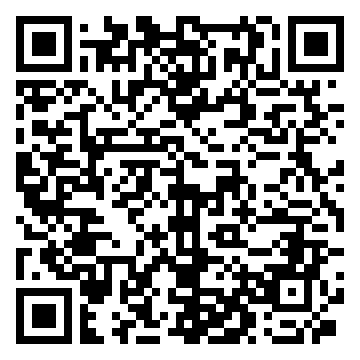
On Nov 10, 2026 we cancelled Pro. The printed code kept working. See the proof
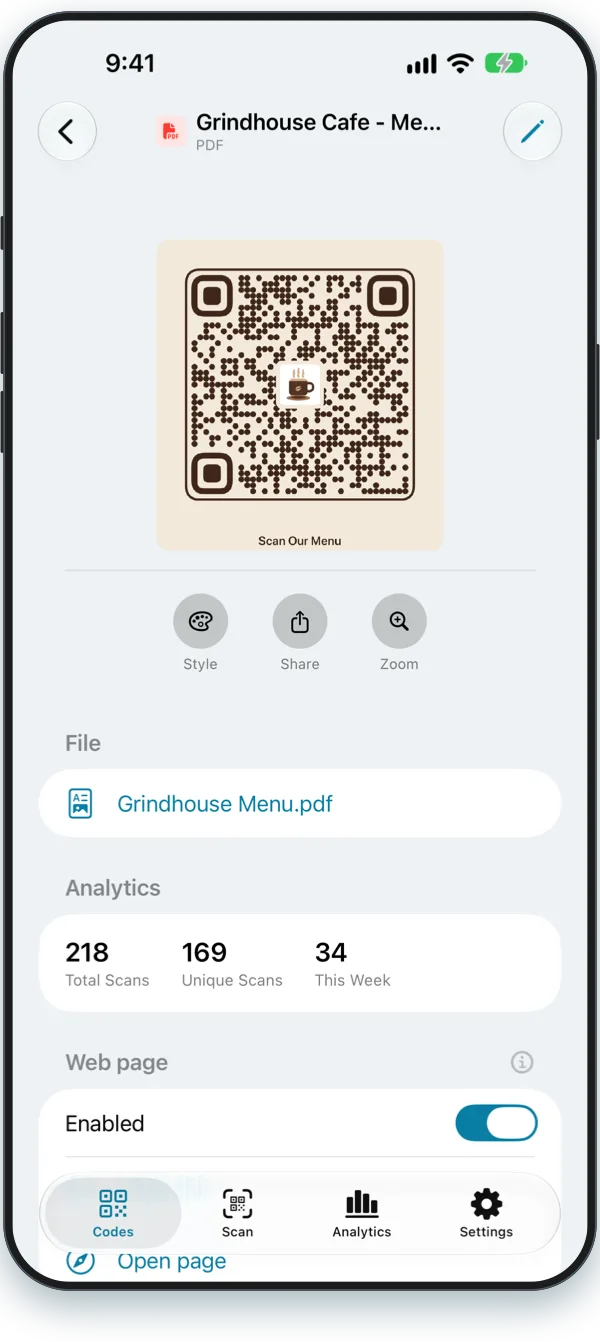
Print once. Change it whenever.
HandyCode is a dynamic QR code generator: swap the menu, the PDF or the link behind a code. The printed code never changes.
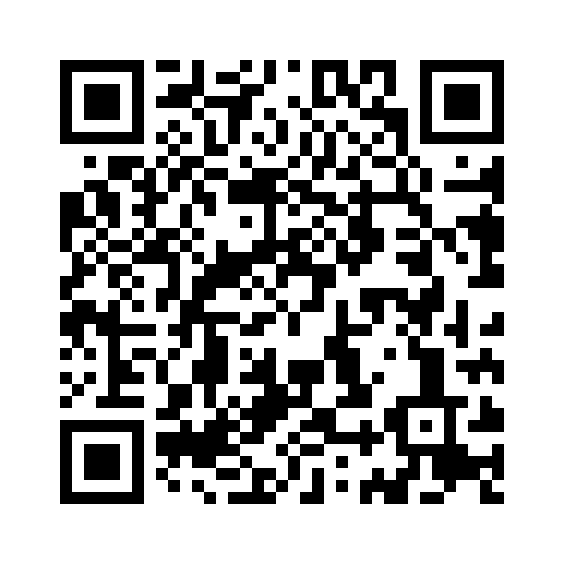 Printed Oct 1

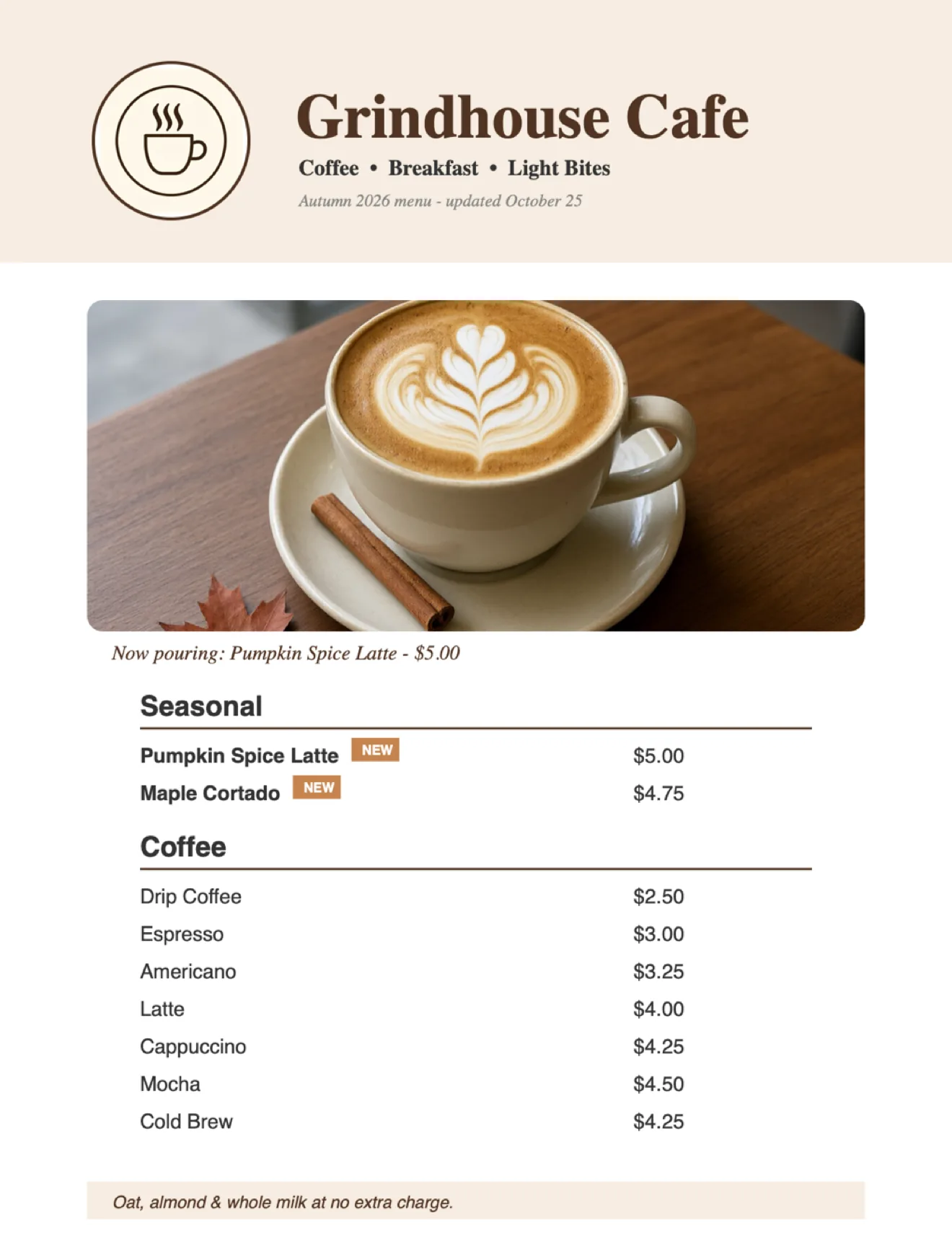
Menu QR Edit
Cancel Pro. Your codes keep working.
Most QR apps switch your codes off when you stop paying. HandyCode keeps them redirecting - a QR code that doesn't expire when you cancel.
We cancelled Pro on Nov 10, 2026 and scanned again. See the proof

Same printed code, the day after cancelling.
See every scan as it happens.
Which codes get scanned, how often, and on what devices.
Detailed analytics: included with Pro.
Drop in a PDF. We host it.
Upload menus, flyers and images straight into the app. No Drive links, no separate hosting.
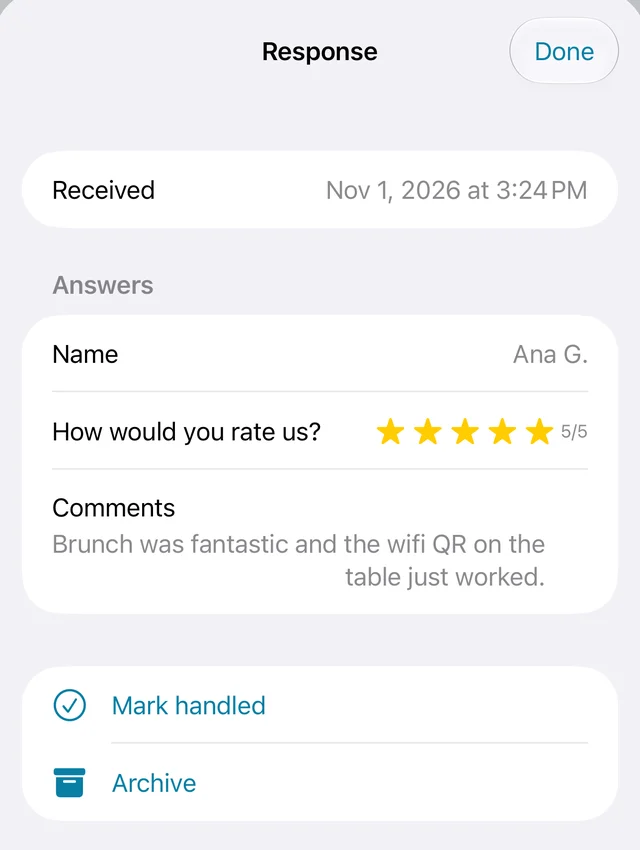
Put a form behind any code.
Build it in the app. Guests scan and answer in their browser — no app or login needed.
Form codes: included with Pro. Published forms keep collecting even if you cancel.
No app needed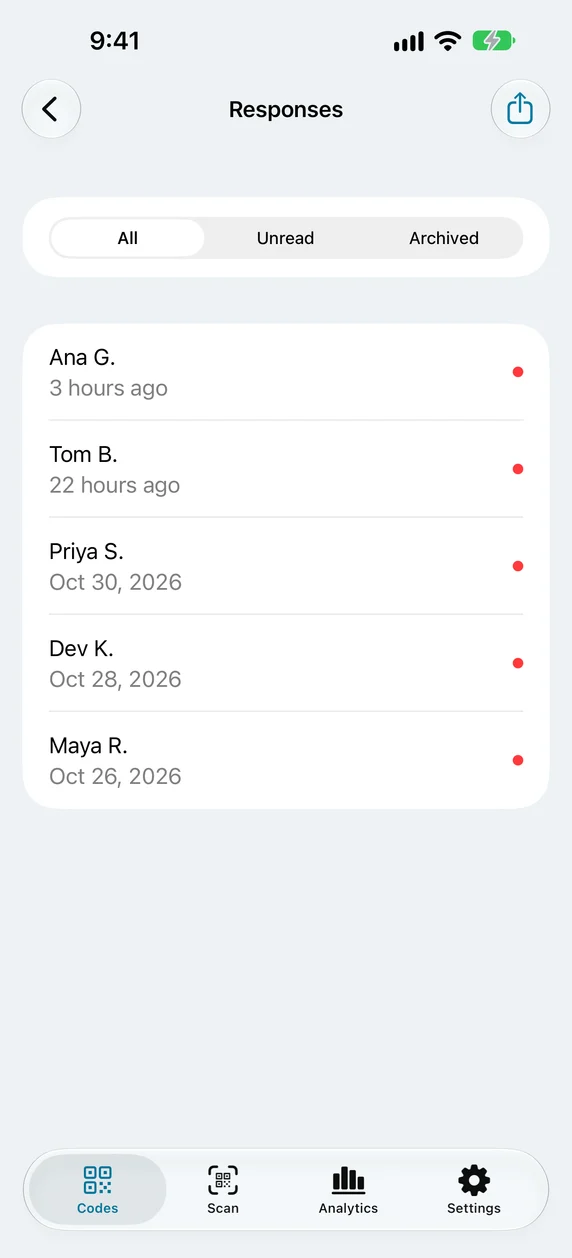
From WiFi passwords to social profiles
Whatever you need a QR code for, HandyCode has you covered.
Menus that update themselves
Print the menu code once. Swap the PDF when prices or dishes change - no reprinting.
Menu QR code guideGoogle review QR codes
Put a code on the counter or receipt; customers land straight on your Google review page.
Drive more reviewsWeddings & RSVPs
Put an RSVP form behind the invitation code. Responses arrive in your app - guests need no app.
Wedding RSVP QR guideUnits, leases & WiFi
Document unit details and leases, and give every tenant a WiFi code. Update the content, keep the printed code.
Contact cards that stay current
A vCard code on your badge or business card - change jobs or numbers without new cards.
WiFi, manuals & smart home
Guest WiFi, appliance manuals, streaming shortcuts - organized in folders, scannable by anyone.
PDF QR code guideFree where the others switch you off
Most QR platforms deactivate your dynamic codes when a trial ends or a subscription lapses. HandyCode doesn't.
Already printed codes that another provider switched off? Learn how to fix a trial-expired code before you reprint.
| Service | Free dynamic codes | Credit card required | What happens after trial/cancel |
|---|---|---|---|
| HandyCode | ✓ Unlimited, 46 types (forms on Pro) | No - email account | Codes keep redirecting - see exactly what changes |
| Hovercode | 3 dynamic codes in total (lifetime) | No | Moved to Free: the first 3 dynamic codes stay active, the rest go inactive (not deleted); custom-domain-served codes stop working |
| QR TIGER | 3 codes, 500 scans each | No | Free scans show a QR TIGER logo popup; dynamic-code functionality requires an active plan |
| QRCG by Bitly | None on a permanent free path - the trial lasts 14 days | No | Dynamic codes are deactivated and point to a service page rather than the original destination; static codes keep working; upgrading reactivates them |
| Uniqode | None - free tier is static-only; dynamic from $9/mo | Not stated | 'Once your free trial expires, any dynamic QR Codes you created will become inactive'; on cancellation, 'your QR Codes will become inactive' |
| LinkScan | Unlimited dynamic codes (3 new per day) | No | 'No expiration on codes' - their words; the $5/mo Advanced plan removes LinkScan branding |
Sources: each vendor's own pricing or support page - hovercode.com/pricing, qrcode-tiger.com/payment, support.qr-code-generator.com, uniqode.com/pricing, linkscan.org/pricing. All competitor facts checked 2026-11-13 from each vendor's own pages.
Free, with no forced expiration. Pro only if you want it.
Requires a free email-activated account. Hosted files are subject to fair-use terms.
No credit card to start. Pro is billed through the Apple App Store and cancels anytime - and your codes keep working after it.
Free
Create without limits
- Unlimited QR Codes
- No documented scan cap
- Editable Smart Codes - Update After Printing
Learn the routes to dynamic codes without monthly bills.
Pro
or $89.99/year (save 25%)
- Everything in Free, plus: Detailed Analytics
- Custom logo on your codes, no HandyCode branding
- Form Codes - Create Forms & Read Responses
Codes are unlimited, with no documented scan cap. Hosted files exist to power your QR codes - see our fair use terms.
Frequently asked questions
Short, direct answers. Still curious? The help center and full FAQ go deeper.
Is the free plan really free?
What happens to my QR codes if I cancel Pro or stop paying?
What are dynamic vs static QR codes?
Can I try HandyCode before paying?
Can I put a form behind a QR code?
Is HandyCode available on Android or the web?
How does HandyCode Pro billing work, and can I cancel anytime?
Your first code takes two minutes.
Free plan, no credit card. Pro only if you want it.